

Hello everyone! Here comes the first update after the release of the 6th version.
We have significantly redesigned the mechanism and interface of the “Data Transfer” window based on your feedback to the support team. We redesigned and moved the creation of the data transfer method to a separate modal window, so there you no longer need to go to the “Data Transfer” section from the Resident Agents setting and other places where it is used, interrupting the workflow.

At the same time, the main window “Data Transfer” was also cleaned up and the ability to use the SMB …
Hello friends! Today we present you a new version of the beloved Total Network Inventory, which has been helping administrators for 16 years already!
TNI 6 introduces two main innovations: collection of hardware sensor statistics and transition to 64-bit architecture.
TNI 6 has now the ability to collect data from the hardware components of your equipment without loading the scanned system. This is now possible thanks to the expanded implementation of the resident agents to scan remote devices.
All equipment status data, such as processor temperature, storage usage, …
Hi everyone!
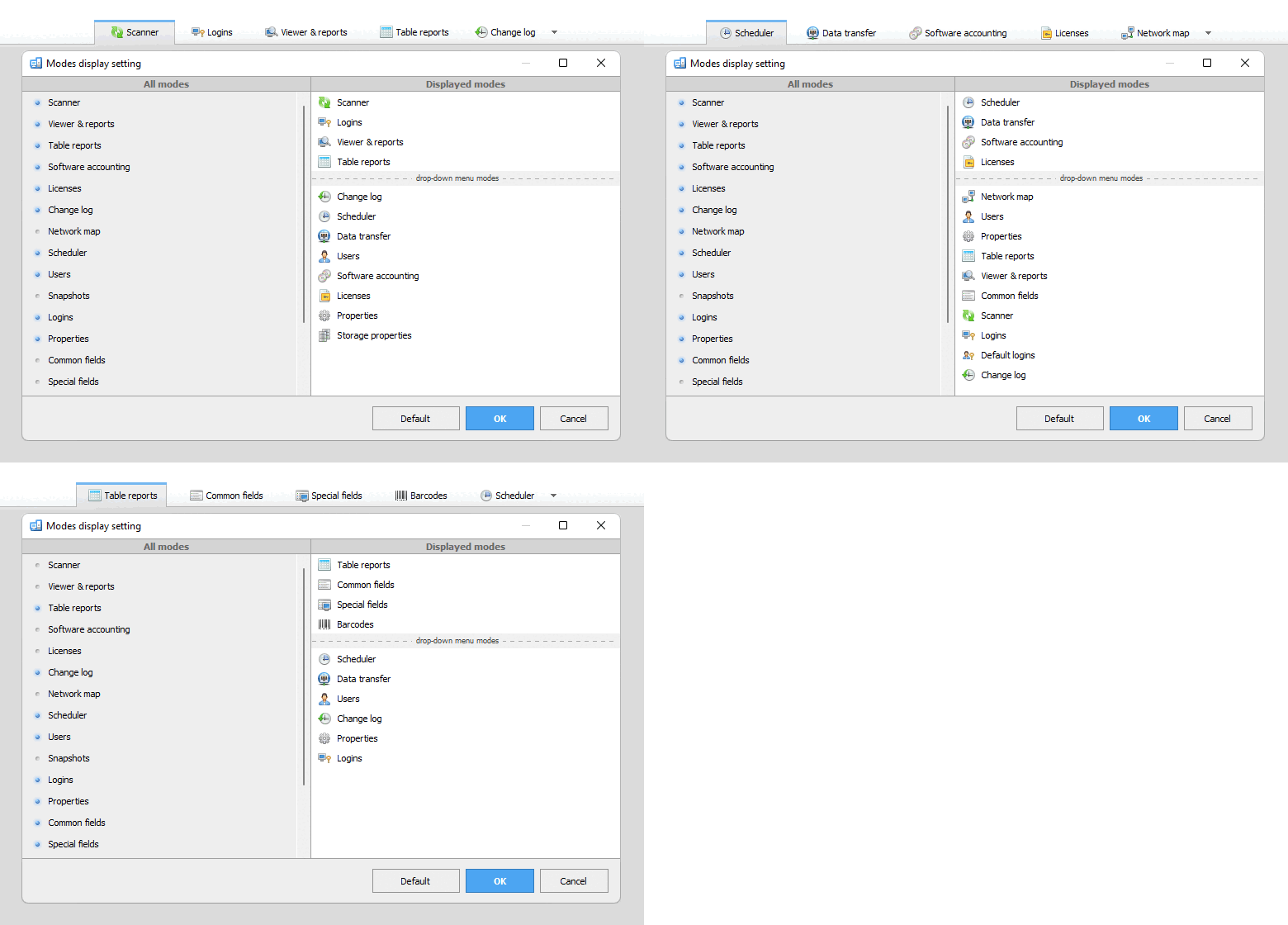
The latest TNI update is out now! This time, a new feature is a personalization of the order of Total Network Inventory modes. Previously, the order of all available modes and tabs was predetermined, and now you can customize their display for your workflow.
Did you configure scheduled scans in the Scheduler and haven’t visited the Scanner tab for a long time? Move it to the extra menu! Starting your working day with a Network Map? Move it or another most frequently used mode to the front. Any combination for your personal needs!
Due to numerous requests, …
As companies become more digitized and reliant on complex information technology systems, having a comprehensive inventory of all hardware and software assets is crucial for security. IT inventory provides visibility into every component on a network: workstations, servers, routers, applications, etc. Therefore, vulnerabilities and risks can be identified and addressed proactively.
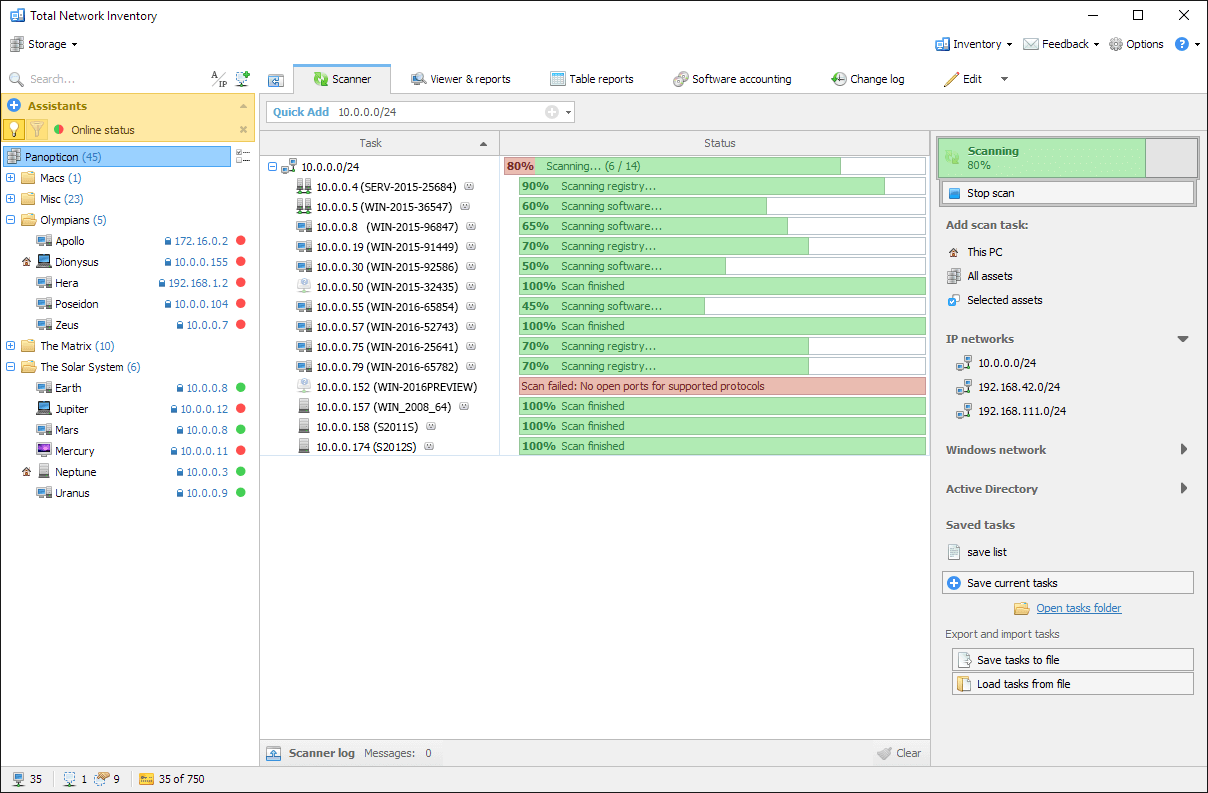
Inventory solutions automatically scan the network to create a complete database of all connected endpoints, assets, software in use, open ports, user accounts, configurations, and more.
Armed with this information, security teams can identify outdated software requiring patches, suspicious applications that …
Hello everyone!
Today Total Network Inventory has been updated to version 5.6.0 with several new features and major improvements.
Two new summary charts help you quickly assess your legacy processor fleet, your PC’s RAM, and identify devices in need of an upgrade.
TNI is now able to collect additional information on processors:
This will help you get even more accurate reports on your PCs readiness to upgrade to Windows 11.
Let’s look under the hood: in the new version, updating information about …
Hello everyone!
Yes, the Total Software Deployment update is here. What a surprise!
We don’t update TSD often, and for good reason: the software performs well, quite efficiently, and is stable.
However, time does not stand still, and some things need to be upgraded. They are an updated scanning agent from the Total Network Inventory and a new installer that allows you to install software in one click, synchronization with the Active Directory was also improved.
The complete list of improvements and fixes: