

Choosing the right tools can help you streamline your workflow, reduce errors, and ensure reliable network administration. In this article, we will take a look at the best remote software installation tools that can help you streamline the process of configuring and deploying software across your network.
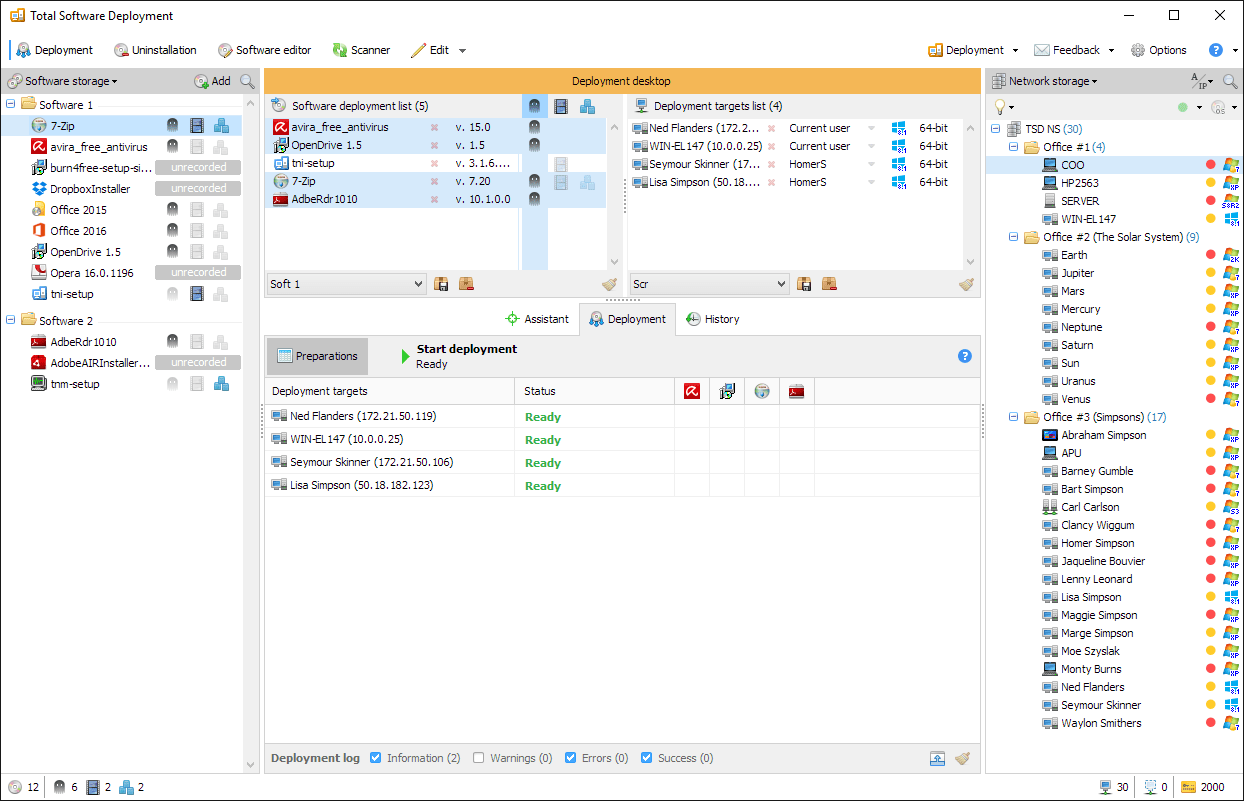
Total Software Deployment is a comprehensive tool for automated software installation that greatly simplifies the deployment process across multiple platforms. With its user-friendly interface and extensive feature set, Total Software Deployment is considered is considered one of the leading solutions in its category. In addition to installation, this program helps you detect and uninstall unauthorized software across the network.
Key Features:
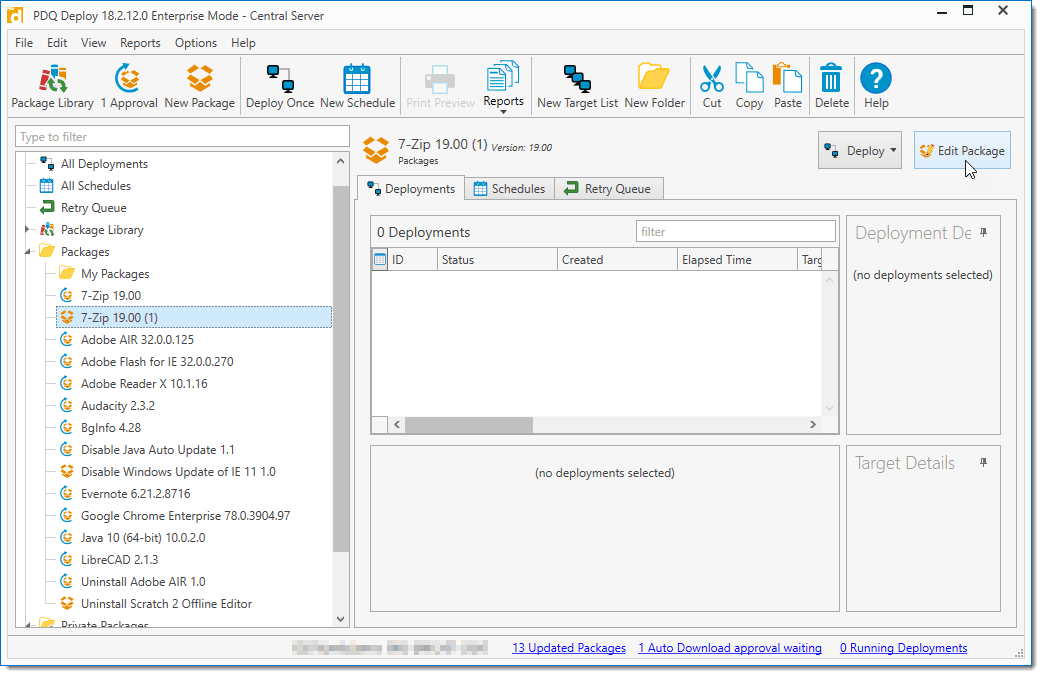
PDQ Deploy is a powerful installation tool specifically designed for Windows environments. It allows you to easily provision software, patches, and configurations across your network. With its drag-and-drop interface and extensive library of pre-built deployment packages, PDQ Deploy simplifies the setup process and saves time. It also offers robust reporting and monitoring capabilities, ensuring visibility into your deployment activities.
Key Features:

Octopus Deploy is a comprehensive application delivery automation platform that supports multiple languages and frameworks. It provides a centralized web-based interface for managing your installation processes, allowing you to define deployment steps, variables, and environments. Octopus Deploy integrates seamlessly with popular build servers and supports advanced features like rolling releases and automatic rollbacks.
Key Features:
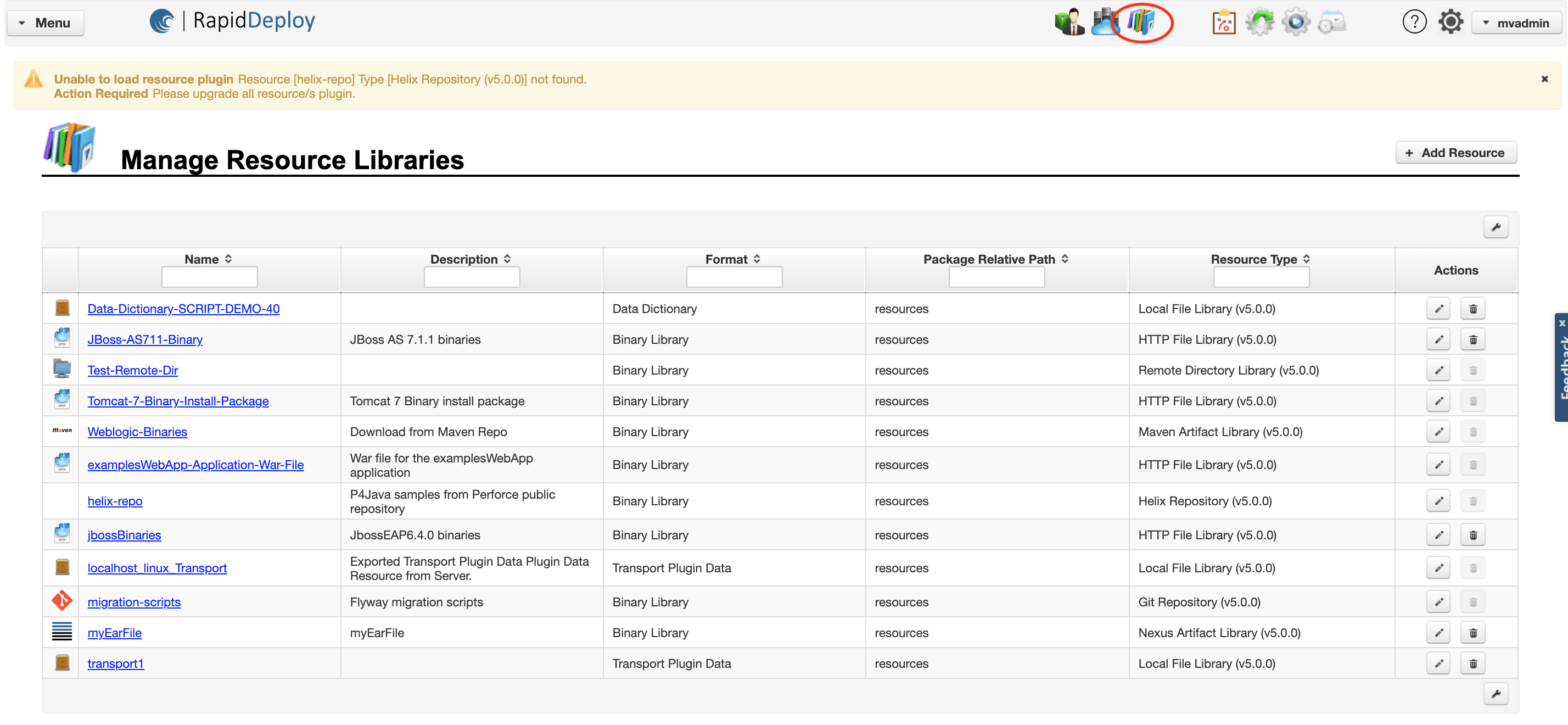
RapidDeploy is a powerful software delivery automation platform automation platform that simplifies the activation process across multiple environments. It offers a drag-and-drop interface for defining installation workflows and supports a wide range of software installation tools. RapidDeploy provides real-time setup monitoring, rollback capabilities, and extensive reporting, ensuring a controlled and auditable deployment process.
Key Features: